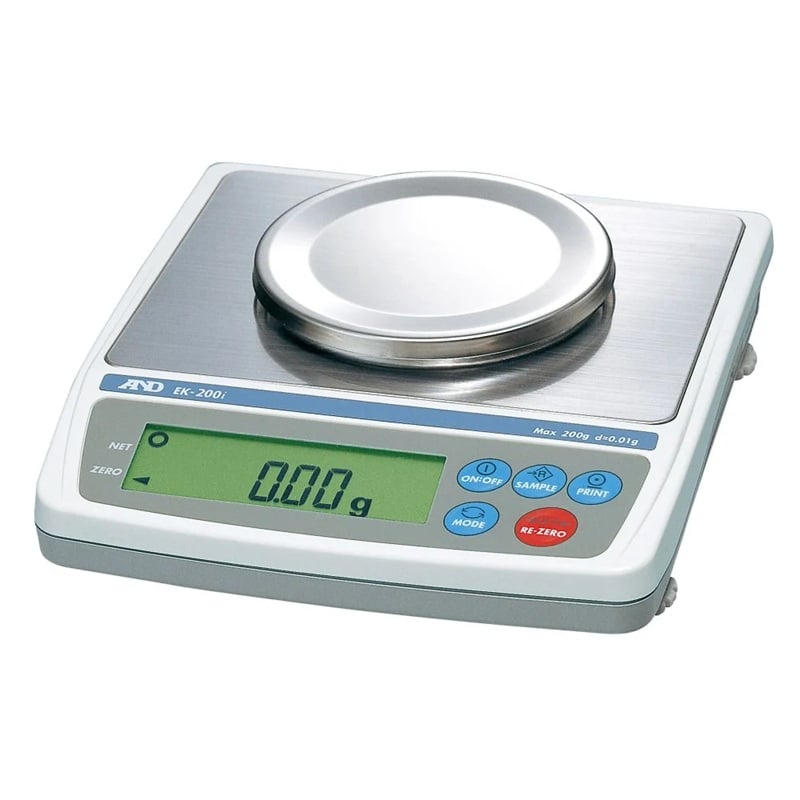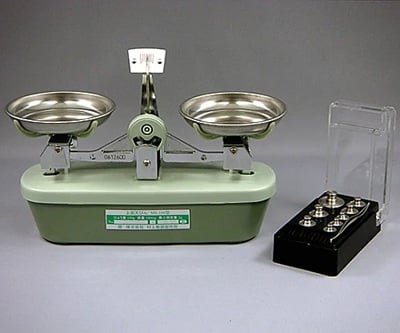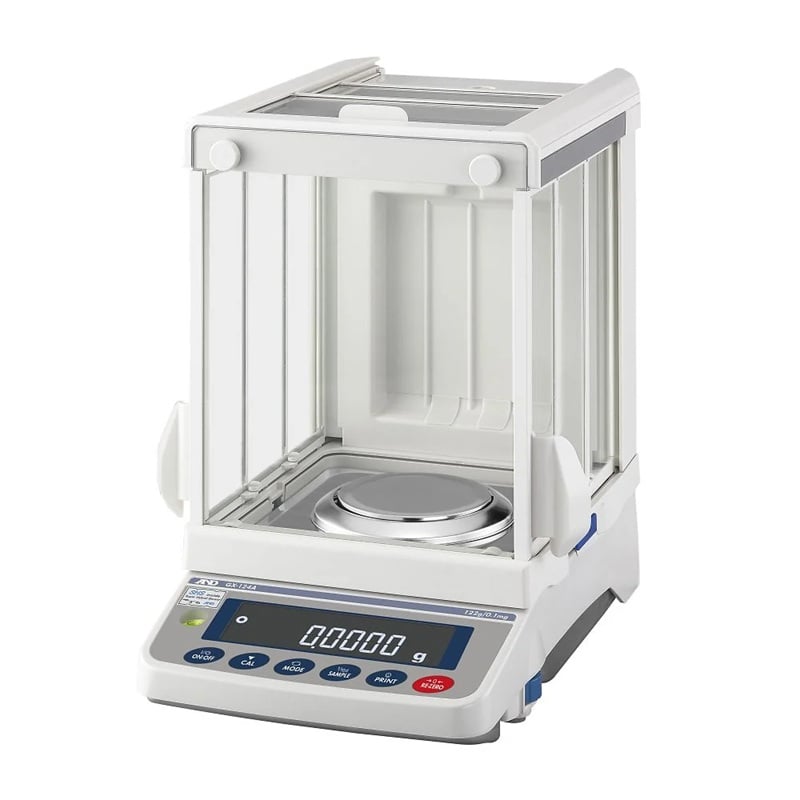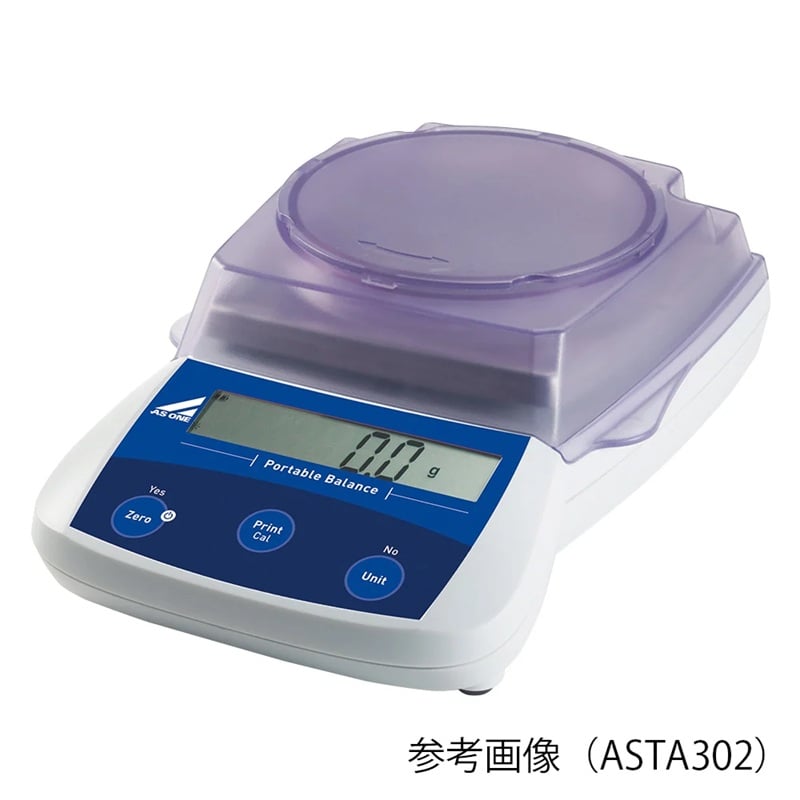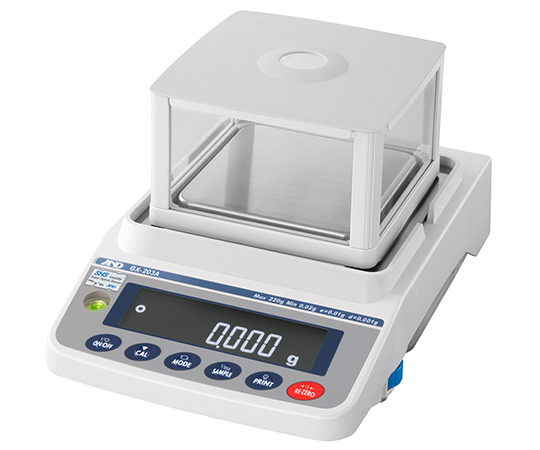
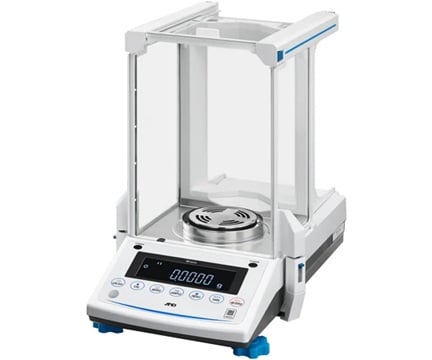
AND (A&D) GX-203A Electronic Precision Balance (Built-In Calibration Weight) (0.22kg, 0.001g)
| Manufaturer: | AND Company Limited |
| Model: | GX-203A |
✔ Note: Displayed prices are standard prices.
⚡ Please click Request a quote to unlock Competitive pricing and delivery dates within 24 hours.
✅ Guaranteed 100% Genuine (CO/CQ) – Free quote.
✈️ We deliver to your doorstep under DAP terms. Customs clearance is for your account.
✉️ Can't find the product you need? Please send the picture/specifications/model/product code to [email protected]. We will find it for you.
⭐ Review us here: Review Now ★ Trustpilot
Description
- [Application]
- Incorporating it into production lines, using the flow measurement function to measure liquids,
- 【Features】
- Built-in calibration weights allow for high-precision weighing at any time. Analytical electronic balance with a minimum display of 0.1 mg.
- When incorporated into the production line ISD (Impact Shock Detection): When an impact is applied to the weighing pan, a four-level warning display and a buzzer sound will alert you.
- For measuring liquids such as pump flow rate FRD [Flow Rate Display]: Calculates changes in load as "flow rate" High-precision flow rate measurement possible with just the balance
- ECL (Electronically Controlled Load) function for checking balance repeatability and minimum weighing value: A&D's unique internal balance mechanism calculates the balance's repeatability without the use of external weights (in just 90 seconds)
- RS-232C interface (D-Sub9P male) / USB interface (Mini B type) 2-channel output standard equipment
- Statistical calculation function, specific gravity measurement function, clock function
- Easy-to-read backlit LCD display
- Auto power on/off function
- Password function: Includes a security function that restricts balance users and clock settings. (Two levels: Administrator level, which allows all functions such as clock time to be set, and User level (x10 users), which allows only weighing.)
- Weighing capacity (kg): 0.22
- Minimum display (g): 0.001
- Repeatability (standard deviation): 0.001g
- Linearity: +/-0.002g
- Stabilization time: Approximately 1 second
- Power supply: AC adapter
- Input: AC 100-240V (+10%, -15%), 50/60Hz
- Power consumption: Approx. 11VA (including AC adapter)
- Weighing pan size: 128 x 128 mm
- Body size: 212 x 317 x 171 mm
- Supported OS: Windows(R)/7/8.1/10
- Mass: approx. 5kg
- Accessories: AC adapter, simple windshield, cover, USB cable
- *The stabilization time is when the FAST setting is used and in a good environment.
-
Frequently Asked Questions (FAQ) for the A&D GX-203A Precision Balance:
Q1: What is the maximum capacity and readability of the GX-203A? A1: It can weigh up to 220g with a resolution of 0.001g (1mg).
Q2: What does “internal calibration” mean? A2: The balance contains a built-in weight for automatic calibration to correct drift caused by temperature changes without external weights.
Q3: What operating environment is recommended? A3: Ambient temperature between 5°C and 40°C, relative humidity <= 85% (non-condensing), minimal vibration and air currents.
Q4: How often does the GX-203A self-calibrate? A4: You can program it to auto - calibrate up to three times per day or whenever the internal temperature change exceeds ~10°C.
Q5: Can I perform external calibration? A5: Yes. The GX-203A supports external calibration with certified weights (e.g., 50g, 100g or 200g) for verification or when higher accuracy is required.
Q6: What is the accuracy immediately after calibration? A6: Typically within +/-0.010g right after internal calibration.
Q7: Which weighing units are available? A7: g, oz, lb, lb-oz, troy oz (ozt), metric carat (ct), momme, pennyweight (dwt), grain (gr), pieces (pcs), percent (%), specific gravity (SG) and one user-definable unit (e.g., tola or newton).
Q8: How do I zero or tare the balance? A8: Place the container on the pan and press the [ZERO/ TARE] key. The display resets to zero, subtracting the container’s weight from subsequent readings.
Q9: What is counting mode (PCS)? A9: You weigh a known sample count (5 - 100 pieces) to set a reference mass, and the balance calculates piece count for unknown quantities using ACAI (Automatic Counting Accuracy Improvement).
Q10: How does percent mode work? A10: You assign a base weight (≥ 0.100g) as 100%, then load samples to see their percentage relative to that reference. Resolution ranges from 0.01% to 1%.
Q11: What is comparator (checkweighing) mode? A11: You set upper and lower weight limits. The balance beeps and displays “HI,” “OK,” or “LO” when readings are outside or within limits.
Q12: Does it offer statistical analysis? A12: Yes. You can calculate the number of measurements (n), mean, standard deviation and coefficient of variation directly on the balance.
Q13: What is Impact Shock Detection (ISD)? A13: A built-in sensor monitors shock levels in four grades. When a shock exceeds thresholds, it flags Level 3 or 4, protecting the weighing cell and alerting the user.
Q14: Can I weigh liquids or powders prone to evaporation? A14: Use a draft shield accessory to minimize air currents. For density determination, hang the sample from the hook under the balance and use SG mode.
Q15: Which interfaces are available? A15: Standard RS-232C and USB (device mode). You can connect to PCs, printers or data acquisition systems.
Q16: Can the balance output data automatically? A16: Yes. You can program auto-output after each stable reading or at fixed time intervals via RS-232C/USB.
Q17: Is there Windows software available? A17: A&D offers free WinCT-Plus software for automated data logging, form design and remote control of multiple balances.
Q18: How do I power on/off properly? A18: Press and hold the ON/ OFF key. Wait until the display stabilizes before use. Avoid switching off during calibration or data transfer.
Q19: How should I clean the balance? A19: Use a soft, lint-free cloth moistened with water or mild detergent. Never spray liquids directly on the balance; avoid corrosive solvents.
Q20: How do I level the balance? A20: Adjust the two leveling feet until the built-in level bubble is centered before each use for peak accuracy.
Q21: What does “E3/E4” mean? A21: Overload error. Remove excess weight immediately and restart the balance.
Q22: What is “Error - Cal”? A22: Calibration failed. Check that the internal weight is unobstructed or use an external standard weight, then retry.
Q23: What if communication fails (“Error - Comm”)? A23: Verify cable connections, matching baud rate/data format and COM port settings on your PC or printer.
Q24: How can I protect the balance from shock? A24: Use gentle handling, enable ISD alerts, and mount on a stable, vibration-free bench with no drafts.
Q25: Is there a theft-lock feature? A25: Yes. A rear-panel security slot accepts a Kensington lock to prevent unauthorized removal in industrial environments.
Q26: Where can I download manuals and software? A26: Visit A&D’s official website to get the latest Operations Manual, Communications Manual and WinCT-Plus software/ or contact QTE Technologies (qtetech.com/en).
Q27: Who do I contact for service or warranty? A27: Reach out to QTE Technologies (qtetech.com/en): https://qtetech.com/en/warranty-policy
You may like
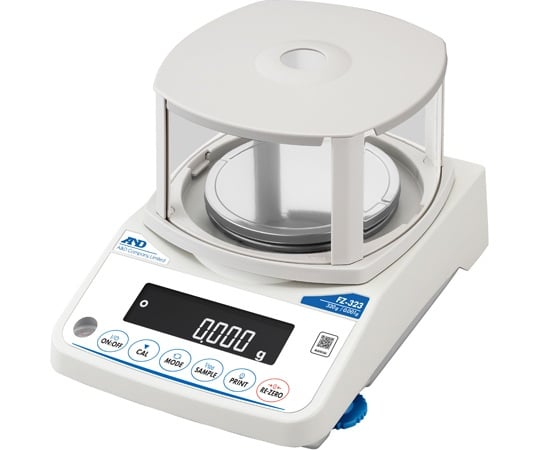
AND (A&D) FZ-323 Analytical electronic balance with built-in weights (320g x 0.001g)

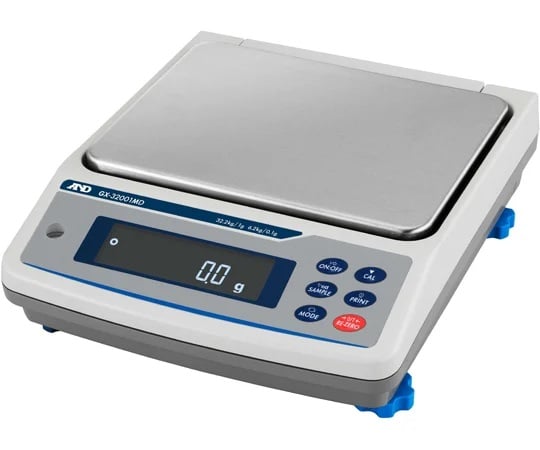
AND (A&D) GX-32001MD Dust Control Waterproofing Type Calibration Standard Weight Built-in Medium Weight Balance (32.2kg x 0.1g/ 1g)
AND (A&D) BH-324 Analytical electronic balance with automatic door (320g, 0.1mg)